How to Prepare Your Files for Error-Free Printing

Designing with Print in Mind
A perfect print starts long before it reaches the press. Many printing problems—blurred images, cut-off text, unexpected colors—come from files that were not prepared correctly. By following professional standards in file setup, designers and clients can avoid costly reprints and delays.
Resolution, Bleed, and Margins
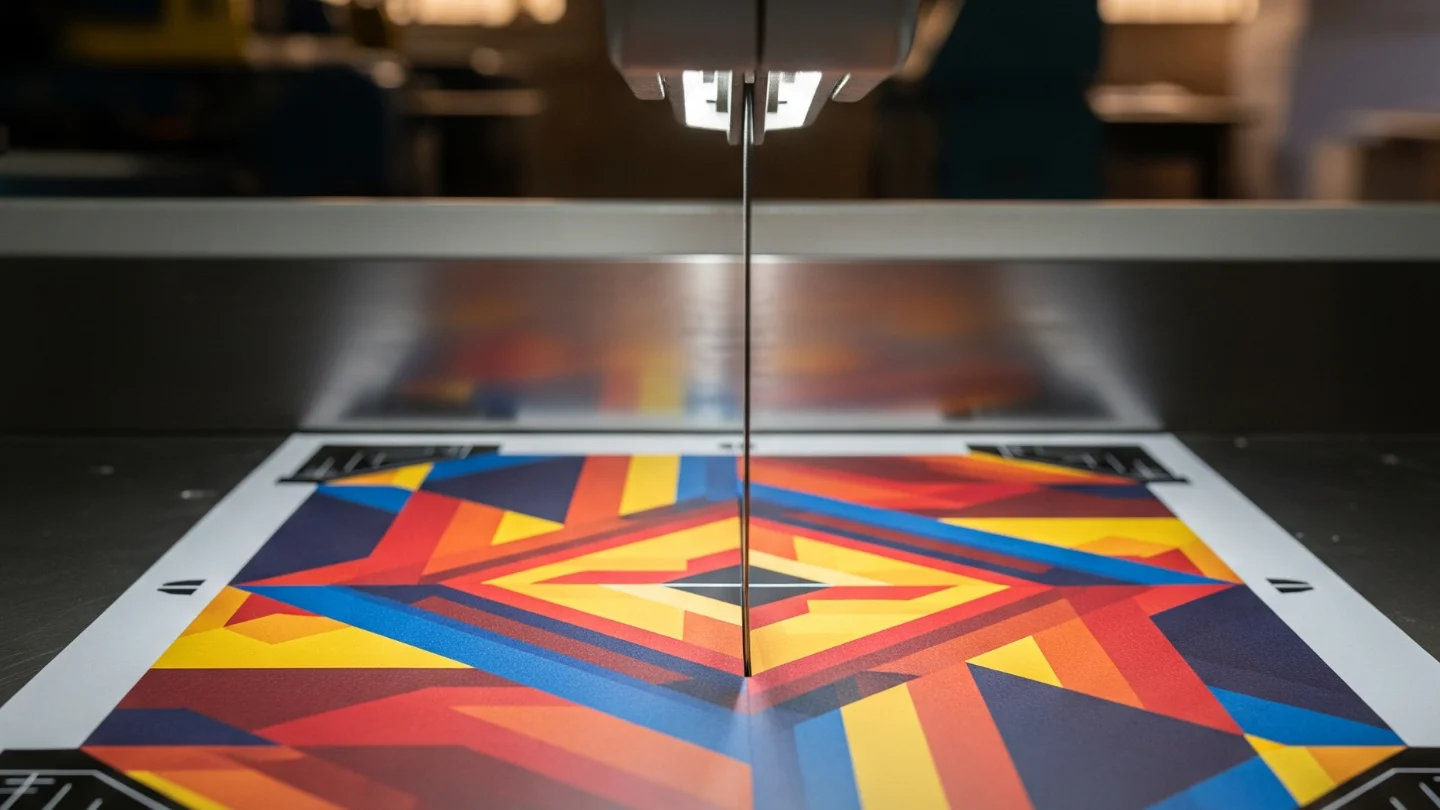
Images must be at least 300 ppi at final size (for large-format, 120–150 ppi at viewing distance may be enough). Add 3–5 mm of bleed around the artwork so no white edges appear after trimming. Keep important text and logos inside a safe margin (5–10 mm) to avoid cutting errors. Always use CMYK color mode for print, not RGB.
Fonts, Colors, and File Formats
Fonts should be embedded or converted to outlines to prevent substitution. Spot colors and Pantones must be declared clearly; if converting to CMYK, proof carefully to avoid shifts. Export files as PDF/X-4 (preferred for modern workflows), which preserves transparency and embeds profiles. TIFF and EPS are also reliable for images. Avoid sending Word or PowerPoint files to print—these are not professional formats.

Tips for Designers
- Calibrate your monitor regularly for accurate color work.
- Use vector graphics for logos and line art—avoid JPEGs for these elements.
- Double-check overprint/knockout settings, especially in black text and logos.
- Keep black text as 100% K only, not 4-color black, for sharp readability.
Tips for Clients
- Review a digital proof (PDF) before approving print.
- Ask your printer for a contract proof on final paper stock for color-critical jobs.
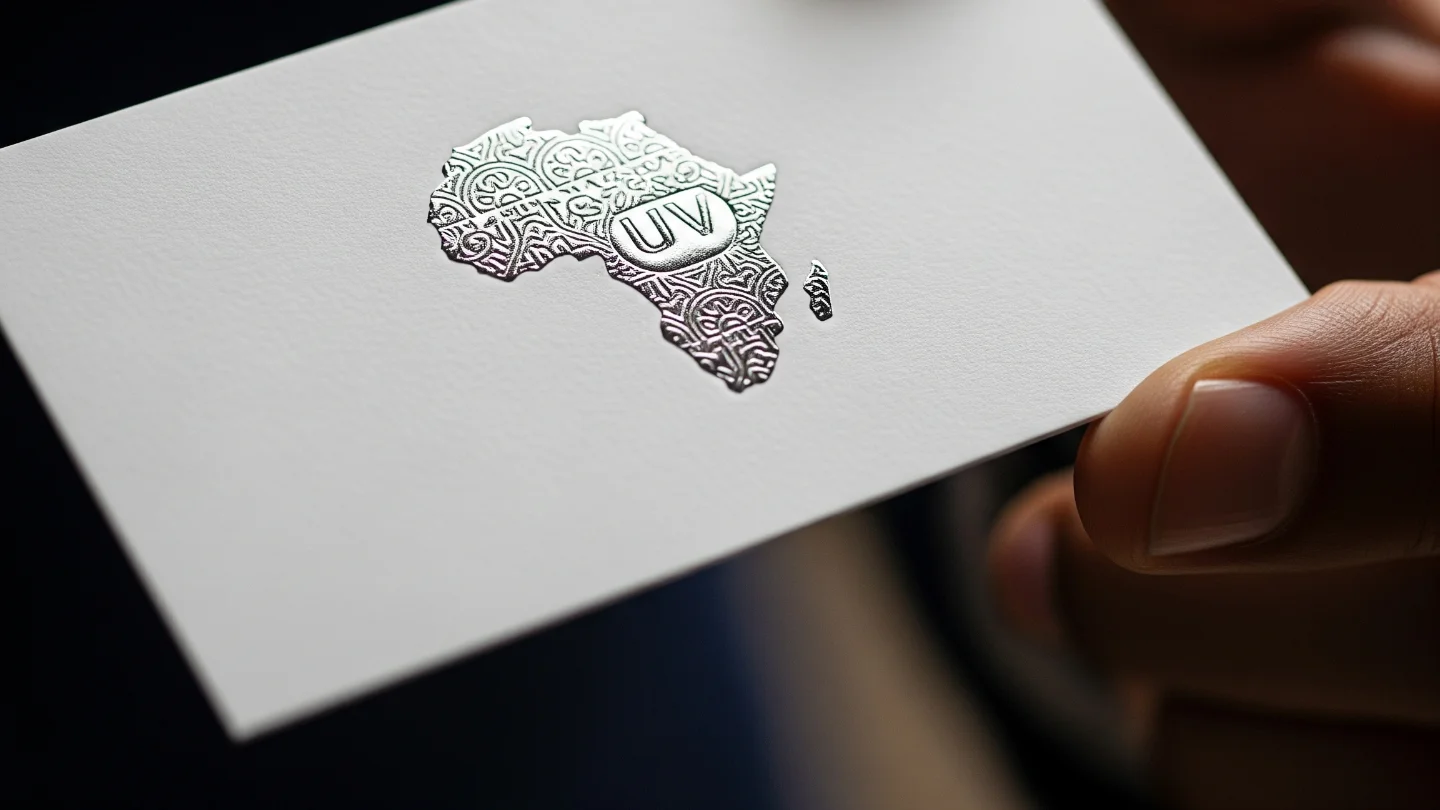
- Provide clear instructions on finishes (lamination, foiling, binding) at the start.
- Always keep a backup of the final print-ready PDF for future reorders.
Final Checklist Before Sending to Print
- File exported as PDF/X-4 with embedded ICC profile.
- Images at correct ppi (300 ppi standard).
- Bleed and crop marks included; safe margins respected.
- Fonts outlined or embedded.
Colors converted to CMYK (or Pantone specified).